Claude Code vs Cursor vs Windsurf vs Copilot for Teams
A practical team buyer guide to Claude Code, Cursor, Windsurf, and GitHub Copilot, with recommendations by workflow shape, review needs, repo scale, and cost control.
A practical team buyer guide to Claude Code, Cursor, Windsurf, and GitHub Copilot, with recommendations by workflow shape, review needs, repo scale, and cost control.
Most teams asking this question are comparing the wrong thing.
The real decision is not which AI coding product looks smartest in a demo. It is which tool fails in the most tolerable way for your team. That means looking at control surface, review flow, repo behavior, onboarding drag, and how easy it is to forecast cost once real usage starts.
That framing leads to a cleaner answer:
If you only need the buying recommendation, start here:
The most important fork is still simple: terminal-first, IDE-first, or GitHub-first. Everything else comes after that, and teams that are still fuzzy on the system shapes underneath these tools should first ground themselves in What Is an AI Agent in 2026?.
This matters more than raw model quality.
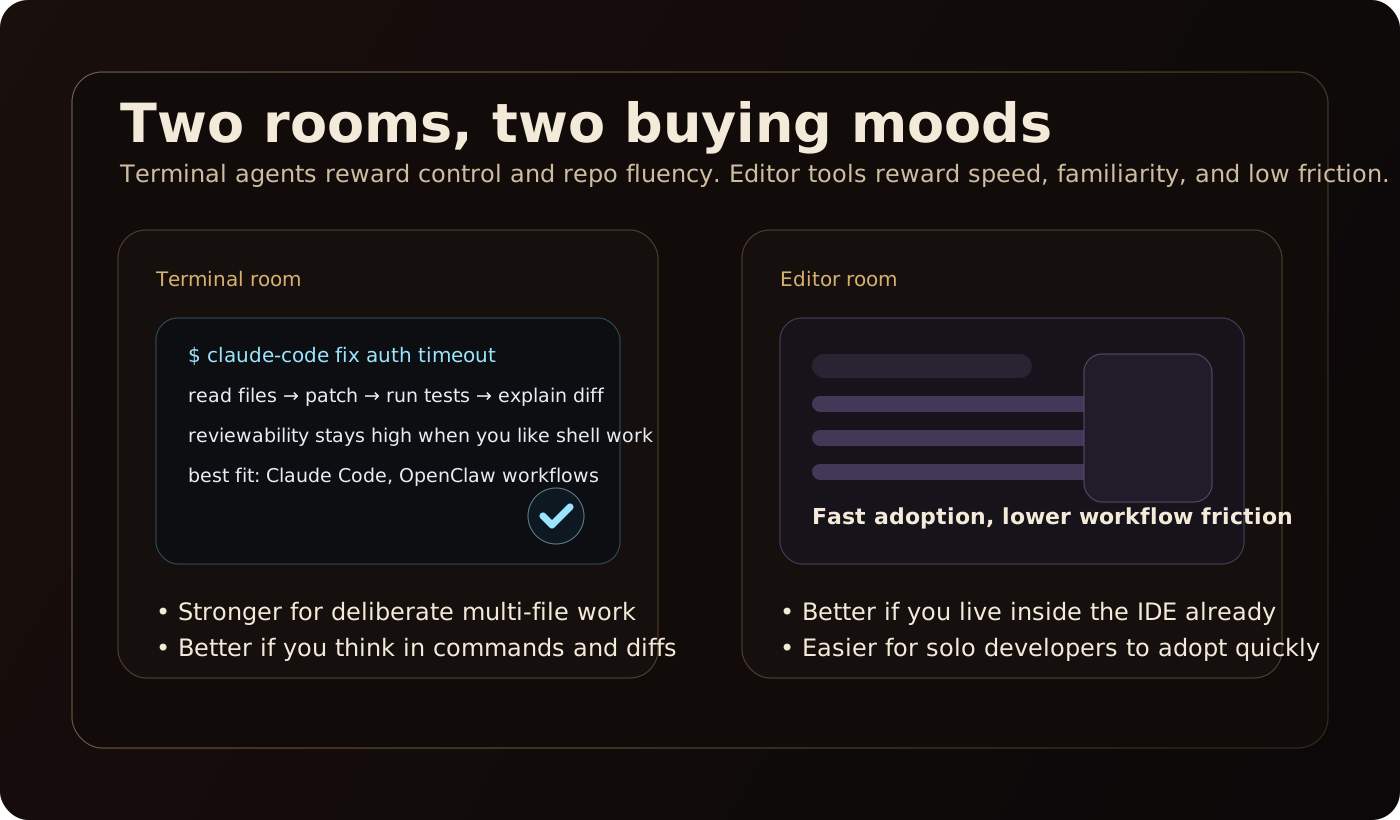
Claude Code is terminal-native. It behaves like an operator working through shell commands, files, plans, and diffs. That makes it a strong fit for platform teams, infra-heavy groups, and senior engineers who already supervise work through Git and review loops.
Cursor and Windsurf are IDE-native. They feel closer to a smarter editor than to a shell operator. That lowers training cost and makes broad rollout easier, especially for product teams that spend most of the day inside VS Code-style workflows.
GitHub Copilot sits in a different place. It works in IDEs, but for team use its real strength is GitHub as the operational center, where branches, pull requests, comments, required reviews, and audit habits already exist.
If a team picks against its natural working style, the rollout usually gets weird fast. Terminal-heavy teams find editor-first tools shallow. Editor-first teams find shell-native tools heavier than they want. GitHub-governed teams often realize too late that local agent freedom is not the same thing as review readiness.
None of these tools magically solves large-repo work. They just break in different ways.
For bigger repos, Claude Code works best when teams decompose tasks tightly, keep context bounded, and treat each run like an operator handoff that must leave behind a clean artifact. If teams throw broad ambiguous work at it, token burn and coordination overhead rise fast.
Cursor handles larger repos reasonably well when codebase indexing is healthy and the team stays editor-centric. But indexing is not the same thing as reliable reasoning. It helps retrieval. It does not replace decomposition, verification, or local engineering judgment.
Windsurf has an interesting team-scale angle because its workflow system can encode repeatable procedures in markdown and run them through slash commands. That is genuinely useful for standardized engineering work. The risk is environmental. In WSL and very large repos, documented indexing and extension pressure can become the bottleneck, not the model.
GitHub Copilot is less about raw repo comprehension and more about artifact containment. Its cloud agent and PR-centered workflow are useful because changes land in a branch or review surface the team already knows how to govern. That makes it easier to contain larger-repo work, even if it is not the strongest terminal-native experience.
If you want the deeper failure taxonomy behind this, read Why AI Coding Agents Fail on Large Repos. The short version is that large repos punish vague tasks, weak handoffs, and thin verification faster than they punish imperfect models.
This is the category that matters most for teams and gets the least attention in generic product roundups.
Claude Code has the clearest native approval posture. Permission modes and plan-first behavior make it easy to keep a human checkpoint at the right boundary. A team can start in plan mode, inspect the approach, then allow edits once the task is clearly bounded. For teams that care about deliberate approval architecture, that is a real operational advantage.
Cursor is less opinionated. The workflow is usually still developer-driven inside the editor, with the agent accelerating execution rather than enforcing formal checkpoints. That is efficient, but governance depends more on team process than on the product's built-in review design. For compliance-sensitive groups, that looser shape can become a policy problem.
Windsurf is strong at templated process, not strong approval gates. Its reusable markdown workflows are useful for standardizing multi-step tasks like PR prep, testing, or fix loops. But workflow templating is not the same thing as formal approval control. Teams still need to define where risky actions stop for human review.
Copilot has the strongest review surface because it plugs directly into pull requests, comments, re-review, branch workflows, and existing GitHub policy. It is the easiest tool here to explain to security, compliance, or engineering leadership: AI can comment, suggest, and draft changes, but humans still own approval. That is a very legible governance model.
If your team already thinks in approvals, code owners, and auditability, this is the cleanest reason to buy Copilot over the more agent-forward alternatives. For the broader design pattern, see Human-in-the-Loop Approval Patterns for AI Operations.
Rollout difficulty is not evenly distributed.
This is why broad product-engineering orgs often adopt Cursor faster than Claude Code. It asks less of the team. But the easier rollout is not always the better long-run operational fit.
Claude Code has more onboarding drag because it assumes a working style that many editor-first engineers do not naturally prefer. The upside is that once a terminal-heavy team adopts it, the control model often matches existing engineering discipline better than editor-native tools do.
This is where buyers get burned.
GitHub Copilot is the easiest of the four to forecast. Seat pricing is the clearest, and the organizational model is the most legible for finance and procurement.
Windsurf appears middle-of-pack. Seat-level pricing is easier to reason about than pure token billing, but the documentation around quotas and practical overage behavior is less crisp than what cautious buyers usually want.
Claude Code can be manageable for disciplined teams, but cost varies with model choice, context size, concurrency, and agent count. In other words, it is only predictable if the team itself is predictable.
Cursor is the most likely to create budget surprises. The team plan headline is not the true ceiling because usage can continue beyond included amounts. That makes Cursor easy to love in a pilot and harder to forecast in a broad rollout. For the wider budgeting lens, see What an AI Coding Task Really Costs.
Practical ranking on predictability:
Teams should buy with breakpoints in mind, not best-case demos.
Choose Claude Code if your team already works in shell, diffs, and bounded tasks, and wants explicit human control around edits and execution. It is not the easiest rollout, but it is the cleanest match for teams that already behave like disciplined operators.
Choose Cursor if fast adoption matters more than formal approval framing and your team spends most of its time in the editor. It is the easiest fit for product engineering teams, but you need to go in with open eyes on spend control.
Choose Copilot if the real center of coordination is GitHub review, not the terminal or the editor chat pane. It is the safest organizational default because policy, audit, and approval habits already have a home.
Choose Windsurf if your team wants repeatable slash-command workflows and standardized multi-step procedures inside the editor. It is the most interesting IDE choice for process-driven teams, but not the safest buy for cautious enterprises.
If your team is asking for one default answer, use this:
The sharper framing is this: do not buy the tool with the best demo. Buy the tool whose failure mode your team already knows how to manage.
That is why Claude Code wins for terminal operators, Cursor wins for editor-heavy product teams, Windsurf wins when workflow templating matters, and Copilot wins when review and compliance are the real deciding factors.
This article was researched and drafted with AI assistance from source-backed internal research, then shaped into a practical team-decision draft for editorial review.