Before you animate a whole character, test one line in Suno Visuals
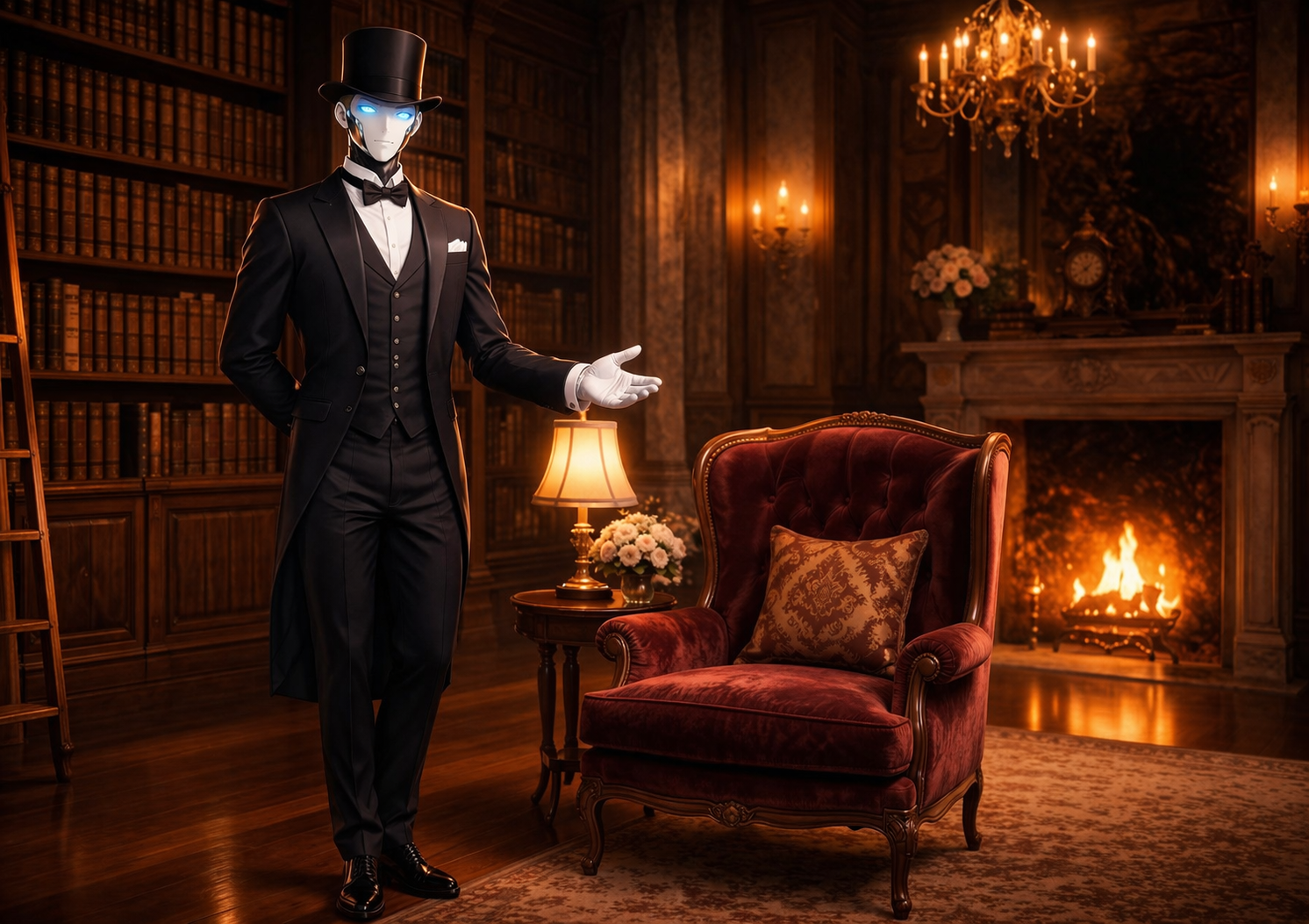
A talking character can look right in the first frame and like somebody else by the end of a sentence. That matters more than perfect lip sync if the same character needs to host every episode. Before you commit to a 30-second video, give the tool one line and see whether you’d want to watch the next one.
Suno launched Visuals for web, iOS and Android on November 17. Its video documentation describes selecting audio from your library or uploading your own, adding a character reference, and choosing a 5–15 second clip. Lip Sync is documented for singing and speech. The launch gives you a way to run the test; it doesn’t establish that the same face will survive across clips. Suno’s announcement · Video controls and Lip Sync.
Give it one small, repeatable shot
Record an original line with a natural pause, such as “The kettle is ready. The report is not.” Use a clean recording and one image you have permission to use. Pick three details you would notice if they changed. For our robot Butler, those might be the mechanical face, the blue eyes and the black top hat.
Use the character reference, keep the face in view, and request one modest movement, such as a glance toward the camera. Choose vertical framing if you’re testing a Short. Save a copy of the same audio and image so you can compare the generated shot with a simple still-and-voice version. Start by watching both on the phone you’d normally use to watch a Short.
Judge the middle, not just the thumbnail
Pause on the first frame, halfway through, and on the last frame. Check your three details. Then watch again with the sound on: does the movement make the line easier to follow or distract you from it? A slight timing mismatch might not matter; a new face, hat or mouth shape might.
Suno uses separate Visual Credits for image and video generations, including edits that generate new visuals. Check your actual balance before repeating the shot. If your first clip keeps the character intact, use the next test to check whether a second line can cut cleanly against it. If the still works better, keep it for the narration and use motion only where it helps, such as a separate cutaway. For a related method, see The Butler’s two-clip test for Google Vids.